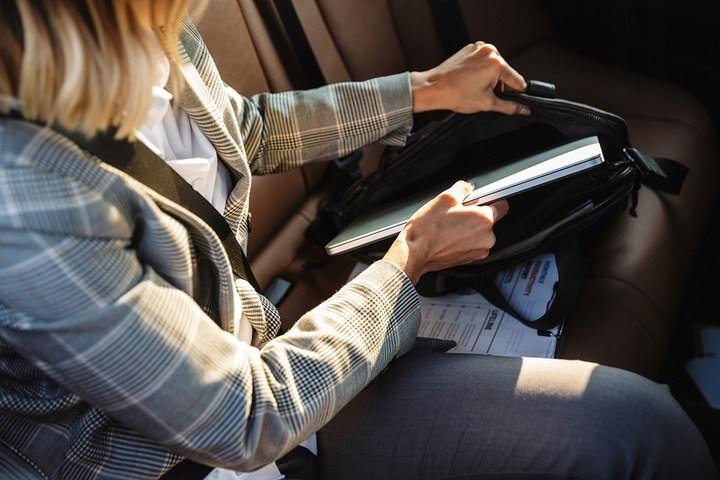
How to Transport a Laptop? Backpack, Case, or Bag – Where Will Your Laptop Be Safe?
April 18, 2025 Get backHow Should You Transport a Laptop and What Should You Avoid?
Let's start with what you should absolutely avoid. Transporting a laptop loose or in bags or backpacks not designed for it can result in scratches on the body surface, and even damage to the screen. What do the experts recommend? Interestingly, it's safer to transport a laptop in a vertical position, rather than horizontally. This reduces the amount of vibrations transmitted to the device. This, in turn, decreases the likelihood of screen or hard drive damage. Additionally, all accessories should be disconnected during transport. It may seem obvious, but it still happens that instead of unplugging the power supply, the plug is left in the socket. That's a mistake, just like transporting a laptop with a USB flash drive or wired mouse still plugged in. Do these recommendations mean that a laptop backpack is the best option for transporting and carrying it? Let's find out by examining the features of different laptop accessories.
What Are the Options for Laptop Sleeves?
You can choose a small sleeve case. This type of accessory will fit just the laptop and the charger. It doesn't take up much space and allows you to transport the laptop in a backpack, suitcase, or larger bag. It fits snugly around the device and works well for laptops with a screen size of 14-15", or even smaller ones like 13". Remember, a laptop should not be transported in the checked baggage compartment and must be placed in your carry-on luggage. Many airlines have such requirements. It's also worth noting that a sleeve case can have a handle or strap like a laptop bag, but its main feature is its compact size. The construction and material protect the laptop from splashes and mechanical damage. The sleeve has a convenient zip closure.
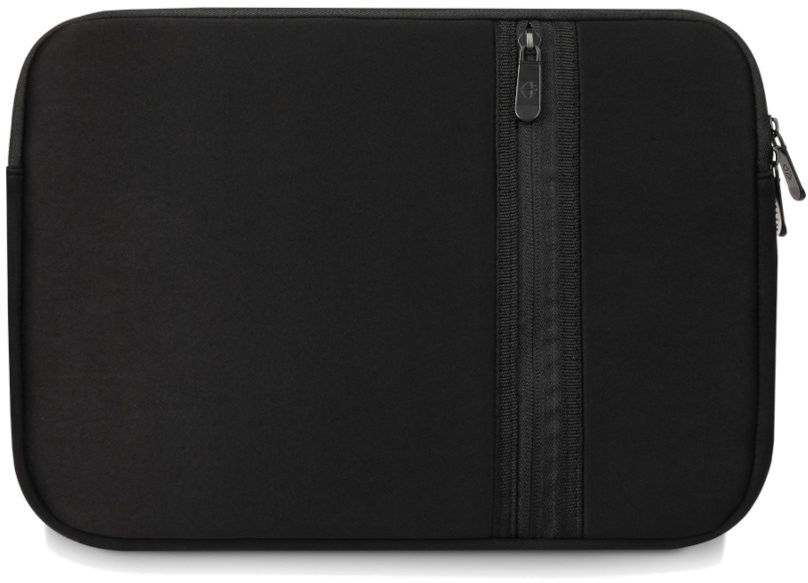 ⬆️Black Laptop Case 13.3” ZG646 ⬆️
Laptop Bags - What Makes Them Stand Out?
It’s important to know that laptop bags differ from sleeves mainly in size, but especially in capacity. They can hold not only the charger and laptop, but also additional documents or accessories. Laptop bags for 15.6” devices are the most popular size, suitable for laptops with that screen diagonal. However, there are also laptop bags for 17.3” laptops and compact ones for 13.3” devices. They are perfect for short distances, like from the car to the office. Sleeves usually don’t have handles or straps, but bags feature both of these attributes. The bag is typically equipped with additional pockets for accessories, both inside and outside. It has a reinforced structure, and the walls are often lined with cushioning foam. The exterior material is water-resistant, durable, and stain-resistant. If you want to make it easier to clean your laptop bag, look for one made of cordura and polyester. If you plan to mount the bag on a suitcase trolley, check for a rubber strap on the back.
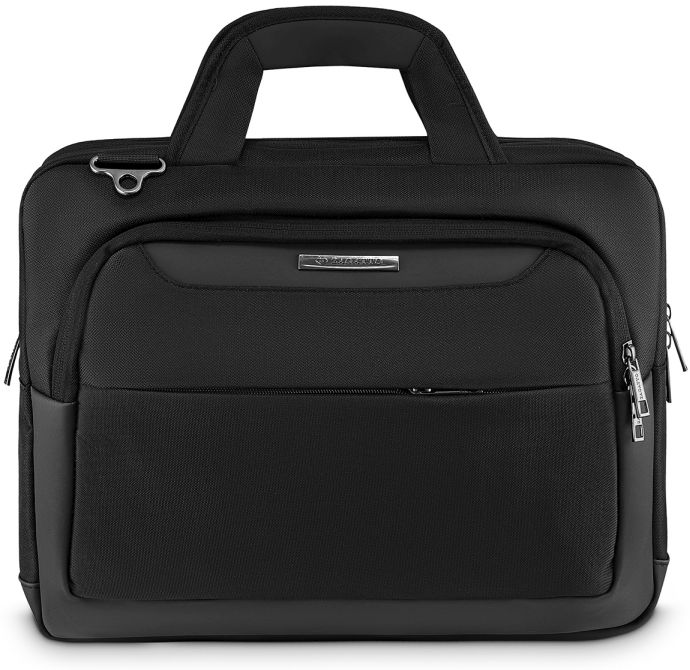 ⬆️Spacious Laptop Bag 15.6” ZG654 ⬆️
Additional Technological Features That Enhance Travel Comfort and Laptop Safety
An interesting choice is laptop bags with built-in USB ports. This solution allows you to quickly and easily charge your phone or power bank. You can choose models made from waterproof nylon and polyester or elegant eco-leather. Since a business laptop bag’s pocket can also serve as a place for your wallet or cards, a model with RFID SECURE protection—against data scanning from cards and documents—would be useful. A laptop bag can even be equipped with several pockets. You can find such models here: https://zagatto.pl/pl/torby-na-laptopa.
What Construction Should a Good Laptop Backpack Have?
A laptop backpack has a more casual design compared to a sleeve or laptop bag. It works well in less formal situations and for carrying a laptop over larger distances. This is due to the previously mentioned reduced vibration when transported vertically. The weight is evenly distributed on the spine, which is also an advantage of this design. Moreover, laptop backpacks are great for larger laptops, including gaming models. If you’re taking your laptop on a bike, a backpack is undoubtedly the best solution. It’s also great for running. However, remember that when transporting a laptop, vibrations that could negatively impact the motherboard and hard drive should be minimized. For laptop backpacks, ergonomic, wide shoulder straps and a rigid structure are important. The laptop compartment should be flat. It may also have an elastic divider. It should be secured with a strap to keep the laptop firmly against your back.
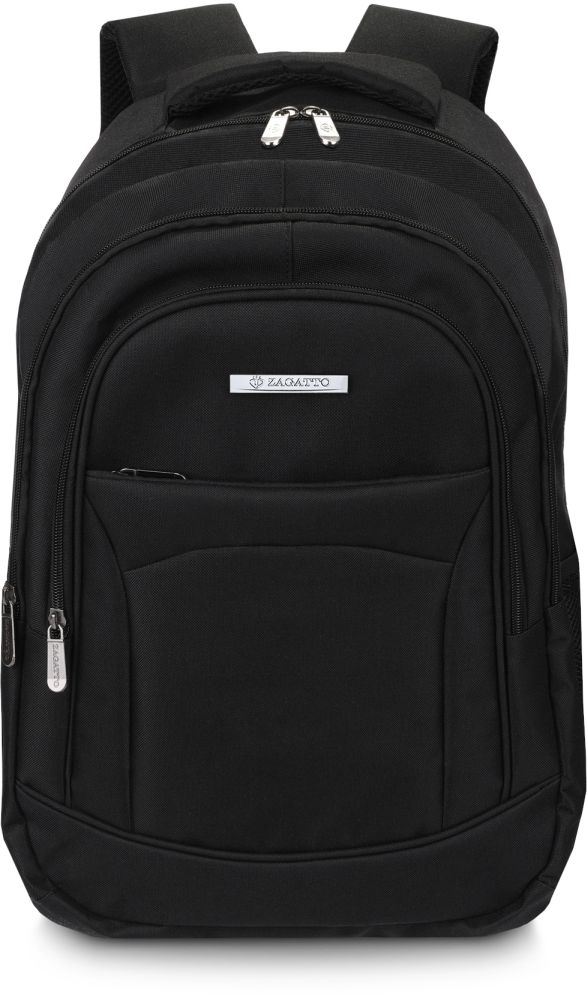 ⬆️Black Backpack with Breathable Back and Straps ZG700 ⬆️
What to Look for When Choosing a Laptop Backpack, Bag, or Sleeve?
Now you know that for longer distances and even holidays, a laptop backpack will work. Alternatively, you can choose a rigid laptop bag reinforced with foam on the inside. For air travel, a sleeve or small laptop bag is a good option. For business meetings, a large laptop bag with space for documents and a USB port is ideal. But what should you pay attention to when choosing these accessories?
When selecting a laptop backpack, sleeve, or bag, pay attention to:
➡️ size - for a sleeve or laptop bag, it should fit the device as precisely as possible, but when choosing a backpack with the right protections, this is less of an issue. It will be versatile for laptops of various sizes.
➡️ number of compartments - the more accessories you need to store, the more compartments the bag should have.
➡️ weight - remember that leather bags are heavier than nylon or polyester ones, which affects your comfort.
➡️ laptop protection - in addition to straps or Velcro inside, edge reinforcements and foam padding that enhance protection against damage are important.
➡️ material - it should be waterproof, shock-resistant, and as light as possible. Resistance to dirt is also important.
➡️ additional features - USB port or RFID SECURE system.
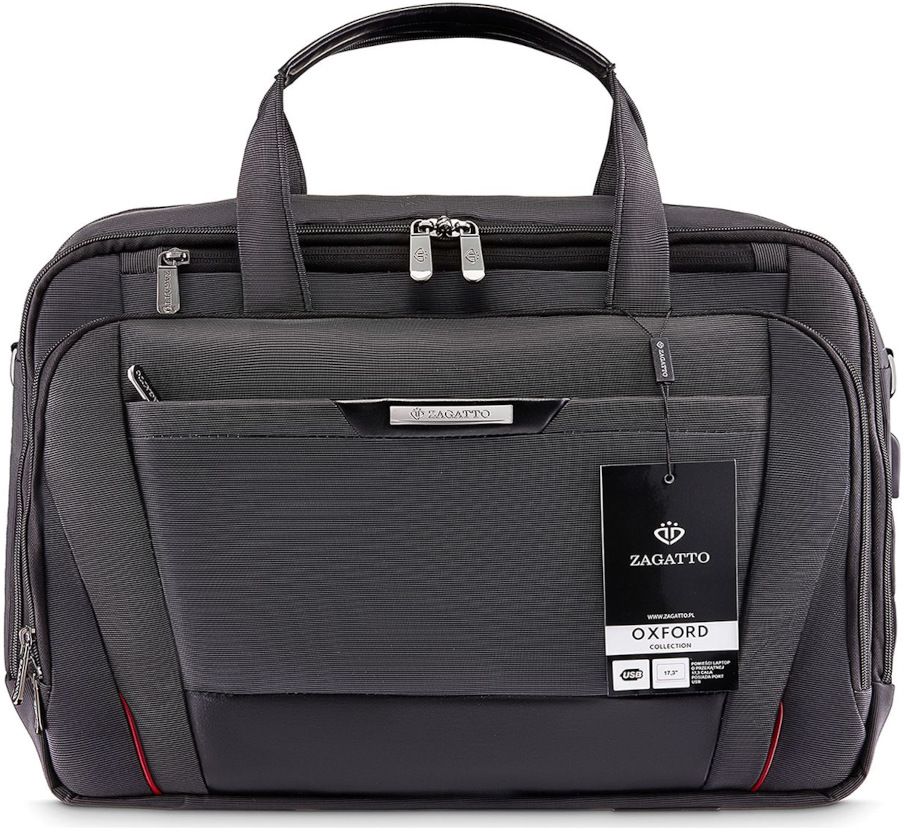 ⬆️Premium Laptop Bag 17.3” ZG133⬆️
Your laptop can be safe in a backpack, sleeve, or laptop bag. You should base your choice on how far you’ll be transporting the device and also choose the accessory that fits your laptop size, as well as your extra storage needs.

Read also

How to Choose the Perfect Everyday Bag?
Read moreA handbag is not just an accessory, but often an inseparable part of every woman's daily outfit. Choosing the perfect handbag can be a challenge, but it's certainly worth dedicating some time to this topic. Here are a few tips to help you choose the ideal everyday bag, inspired by the Zagatto store's offer.
-
What Are the Types of Pencil Cases and Which One to Choose? Something for Students and More!
A sturdy and functional pencil case is an essential item for every student. It’s important to pay attention to aspects such as shape, capacity, design, and the quality of construction. Based on our selection, we’ll see what types of pencil cases there are and how to equip them for students of different grades.Read more -
Carry-on and Checked Baggage: What Can You Bring on a Plane?
No matter how experienced you are with flying, whether you travel seasonally or feel at home in airports around the world, the issue of baggage is always a concern. Will it be too heavy? Are the dimensions of the carry-on bag correct? Will my suitcase be accepted on board? Have my cosmetics been packed according to the guidelines? The rules regarding carry-on and checked baggage vary depending on the airline, but there are a number of universal rules for flying that must be followed. We present the most important ones.Read more -
Who and when created the first backpack? All about backpacks.
A backpack is an accessory that seems essential for school, as well as for mountain hiking. After all, a well-designed backpack distributes the weight evenly, so neither the shoulders nor the back are excessively burdened. But who and when created the first backpack? Learn the history of the backpack.Read more